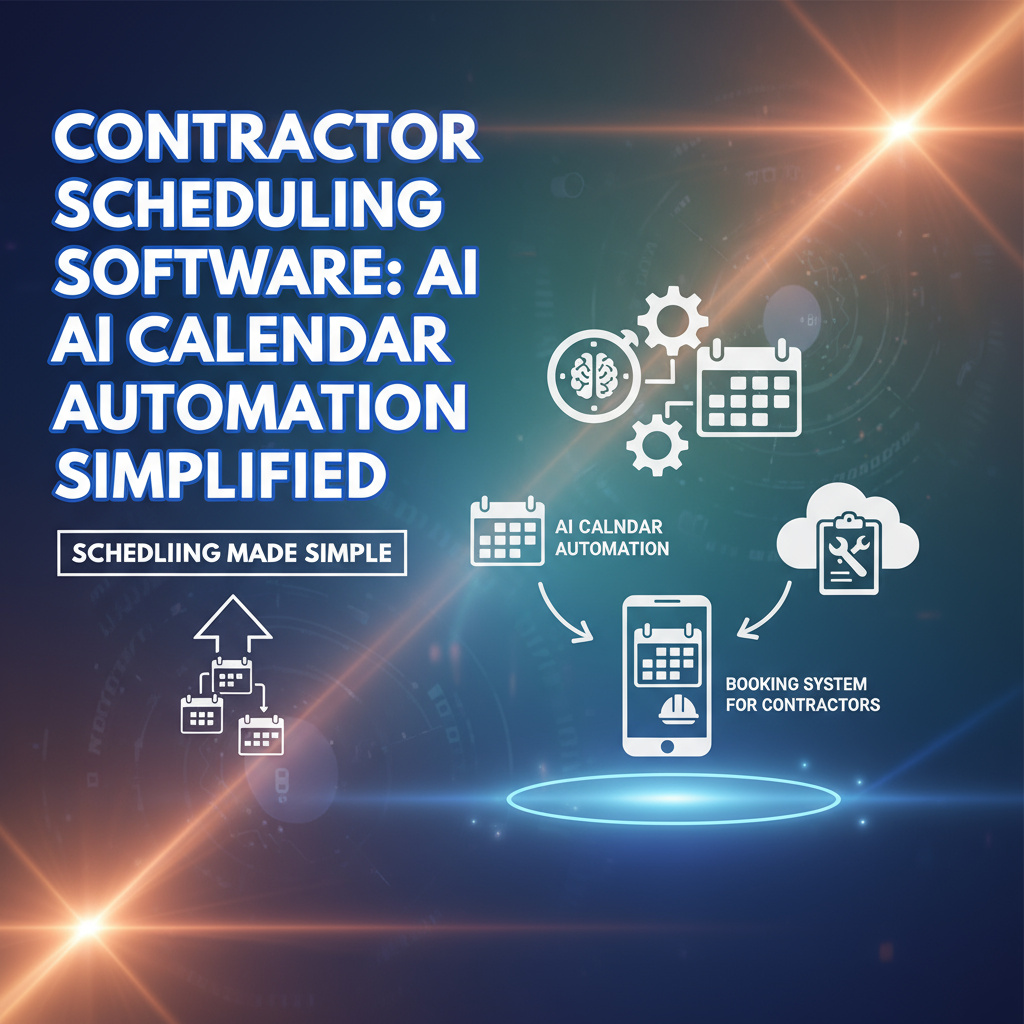
Contractor Scheduling Software: AI Calendar Automation Simplified
For scheduling, time is money. Balancing multiple projects, client meetings, and team schedules can feel like juggling flaming torches. But what if AI could take over the most tedious parts of scheduling, freeing you to focus on what truly matters?
The Power of AI Calendar Automation
AI calendar automation isn’t just a luxury—it’s a game-changer. Here’s how it transforms software businesses:
- Eliminates Double Bookings: Smart algorithms ensure no overlapping appointments.
- Saves Hours Every Week: Automates repetitive scheduling tasks.
- Improves Client Satisfaction: Guarantees timely responses and organized meetings.
Key Features of AI-Powered Scheduling Software
Not all scheduling tools are created equal. Look for these must-have features:
1. Smart Availability Detection
Automatically syncs with team calendars to show only open slots.
2. Customizable Booking Links
Creates professional, branded links for clients to book appointments seamlessly.
3. Integration with Project Management Tools
Connects scheduling with task management for real-time updates.
How to Choose the Right Contractor Scheduling Software
With so many options available, how do you pick the best fit? Follow these steps:
Step 1: Identify Your Needs
Do you need basic appointment setting or advanced features like team collaboration and invoicing?
Step 2: Evaluate User Experience
A tool is only as good as its usability. Opt for software with a clean interface and mobile access.
Step 3: Check for Scalability
Your business will grow—choose a solution that can grow with you.
Top AI Calendar Automation Tools for Contractors
Here are three standout options:
1. Calendly
Best for simple, effective scheduling with clients. Offers seamless integrations with popular tools.
2. Acuity Scheduling
Ideal for contractors needing advanced features like payment processing and reminders.
3. HubSpot Meetings
Part of the HubSpot CRM, it’s perfect for managing client interactions and follow-ups.
Real-World Impact: A Contractor’s Success Story
Take the example of GreenThumb Landscaping. Before using AI scheduling, they spent hours each week coordinating jobs and client meetings. Now:
- 95% fewer scheduling conflicts.
- 20% increase in billable hours.
- Happier clients, smoother operations.
Tips for Maximizing Your Scheduling Software
Make the most of your AI tool with these best practices:
- Regularly Update Team Calendars: Ensure accurate availability at all times.
- Use Automated Reminders: Reduce no-shows and missed appointments.
- Train Your Team: Ensure everyone knows how to leverage the software effectively.
Ready to Simplify Your Scheduling?
AI AI automation isn’t just about saving time—it’s about transforming how you work. Ready to take the leap?
Try our recommended scheduling software today and watch your productivity soar.
Your Turn
How has scheduling software changed your business? Share your experiences and tips below!
Leave a Reply